Espace partenaire
Partners to discover
1 / 3
Partenaire affilié
DERIV
Commencez votre parcours de trading avec Deriv. Plateforme utilisée par des millions de traders pour accéder au Forex, aux indices synthétiques et aux CFD.

How to install Deriv MT5 on the phone? Complete Android and iPhone Guide
Want to trade from your smartphone? With Deriv MT5 you can analyze markets, open positions and track your trades wherever you are. In this guide, find out how to install Deriv MT5 on Android or iPhone...
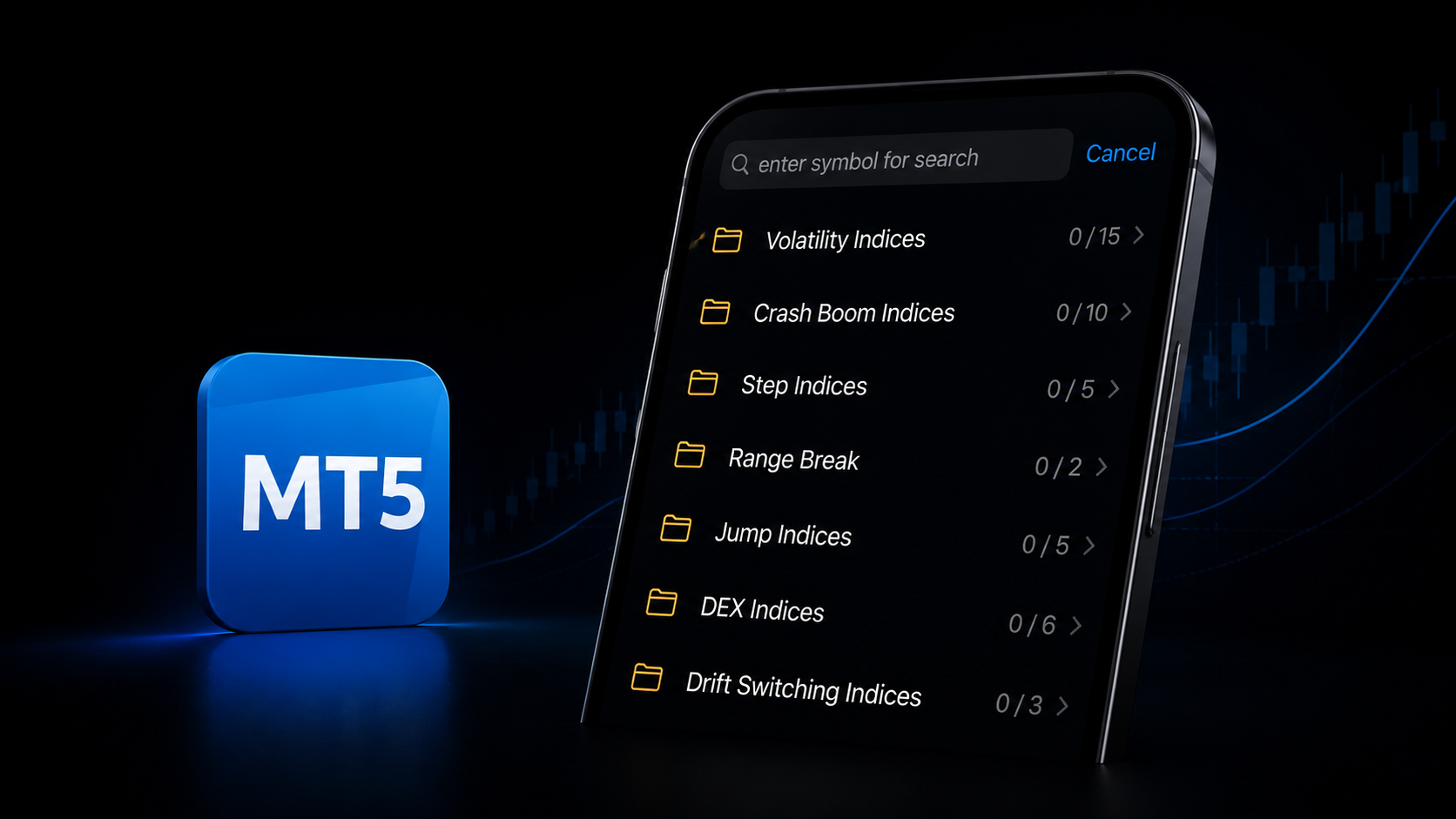
Want to trade from your smartphone?
Thanks to Deriv MT5, you can analyze markets, open positions and track your trades wherever you are.
In this guide, find out how to install Deriv MT5 on Android or iPhone and configure it correctly.
Why use Deriv MT5 on mobile?
The MetaTrader 5 application allows you to:
Follow the markets in real time.
Open and close positions.
Edit a Stop Loss and Take Profit.
Analyze graphs.
Receive notifications.
It is ideal to monitor your positions when you are not in front of your computer.
Step 1: Create your Deriv account
Before installing MT5, you must have a Deriv account.
Once your account is created, you can generate your MT5 IDs.
Step 2: Download MetaTrader 5
Since Google Play Store (Android) orApp Store (iPhone), search MetaTrader 5.
Then download the official application.
Step 3: Log in to your MT5 account
Open the app.
Select Connection to an existing account.
Then search the server for your Deriv MT5 account.
Enter:
your MT5 ID;
your MT5 password.
Within seconds, your account will be logged in.
Step 4: Customize your application
Once connected, you can:
show your favourite graphics;
add technical indicators;
changing the colors of the graphics;
create a watch list;
consult your history.
Take a few minutes to organize your workspace.
Errors to avoid
Beginners often face the same difficulties:
download MetaTrader 4 instead of MetaTrader 5;
using a bad server;
Confound the Deriv password with that of MT5;
start trading without discovering the functionality of the application.
Why use the demo account?
Before investing your money, take advantage of the demo account to:
learn how to use the application;
test your strategies;
discover the synthetic indices;
gain confidence.
The demo account is an excellent learning tool.
Conclusion
Installing Deriv MT5 on the phone is fast and allows you to access markets wherever you are.
Before trading with a real account, take the time to discover the application and practice with a demo account.
Start free in 2 steps
Step 1: Create your Deriv account for free
Don't you have an account yet?
Create your Deriv account free with my partner link.
You can then access MT5 on computer and smartphone.
Step 2: Join Bono Trading training for free
Once you have created your account, sign up for the Bono Trading training for free.
You will learn in particular:
How to use Deriv MT5
Synthetic indices
Technical analysis
Risk management
Errors to avoid
Espace partenaire
Partners to discover
1 / 3
Partenaire affilié
DERIV
Commencez votre parcours de trading avec Deriv. Plateforme utilisée par des millions de traders pour accéder au Forex, aux indices synthétiques et aux CFD.